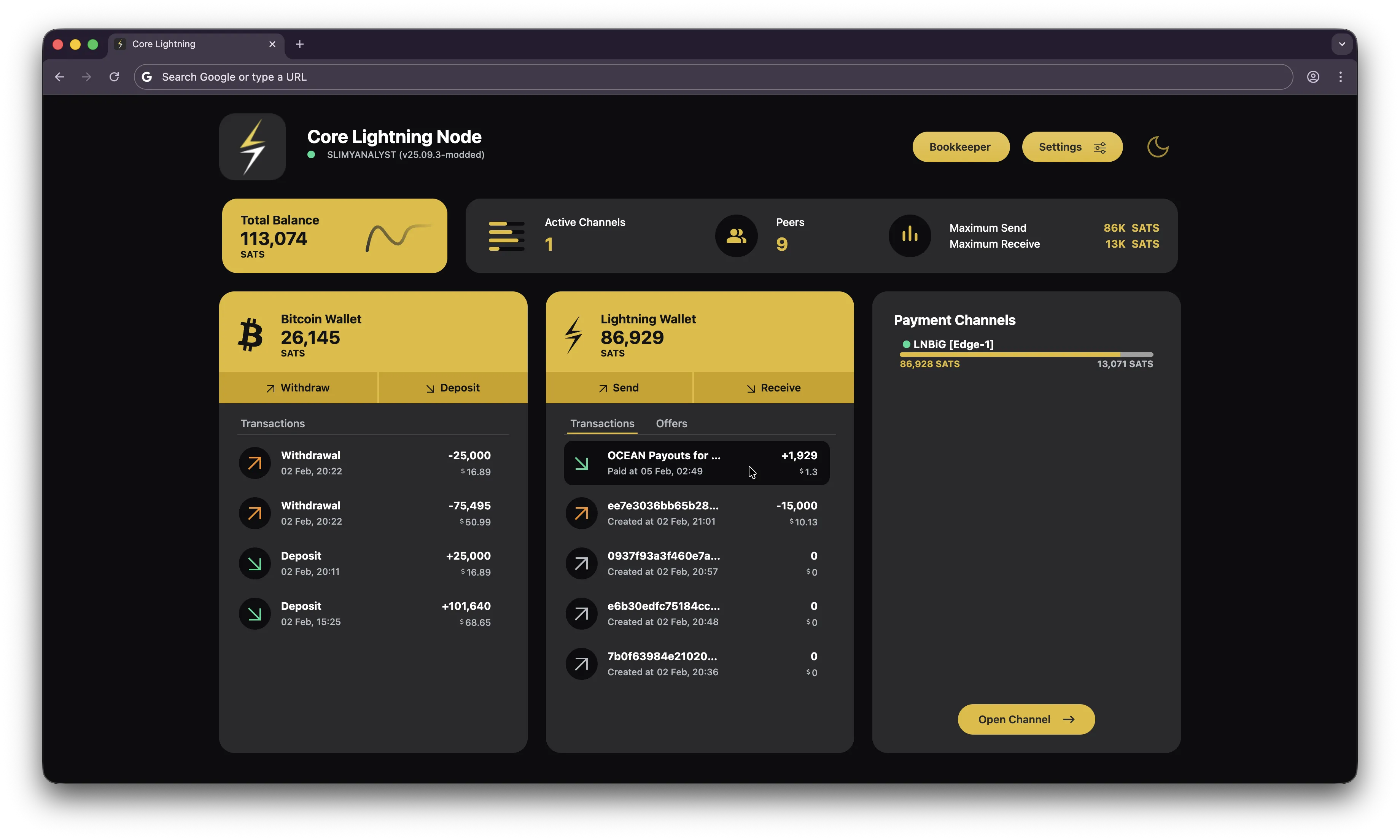
BOLT12 Lightning Payouts with Ocean
Prerequisites
- Sparrow Wallet https://www.sparrowwallet.com
- Bull Bitcoin Wallet https://www.bullbitcoin.com
- Bitcoin Knots https://apps.umbrel.com/app/bitcoin-knots
- DATUM Gateway https://apps.umbrel.com/app/datum
- Core Lightning https://apps.umbrel.com/app/core-lightning
Setup
- Install Sparrow and create a wallet.
- Install Bitcoin Knots, DATUM Gateway, and Core Lightning on Umbrel.
- Configure DATUM Gateway with your Bitcoin wallet address from Sparrow and make sure it is set to pooled mining.
- Configure your miners to point to your self-hosted Bitcoin node or to Ocean pool https://ocean.xyz/getstarted
- Start mining and monitor your stats to appear at https://ocean.xyz/stats
using
your Bitcoin wallet address from Sparrow.
- Launch Core Lightning on Umbrel.
- Deposit at least 130000 sats of onchain BTC into your Core Lightning wallet on Umbrel. Allocate 100000 sats to
open a channel and maintain a minimum balance of 25000 sats in your Core Lightning wallet.
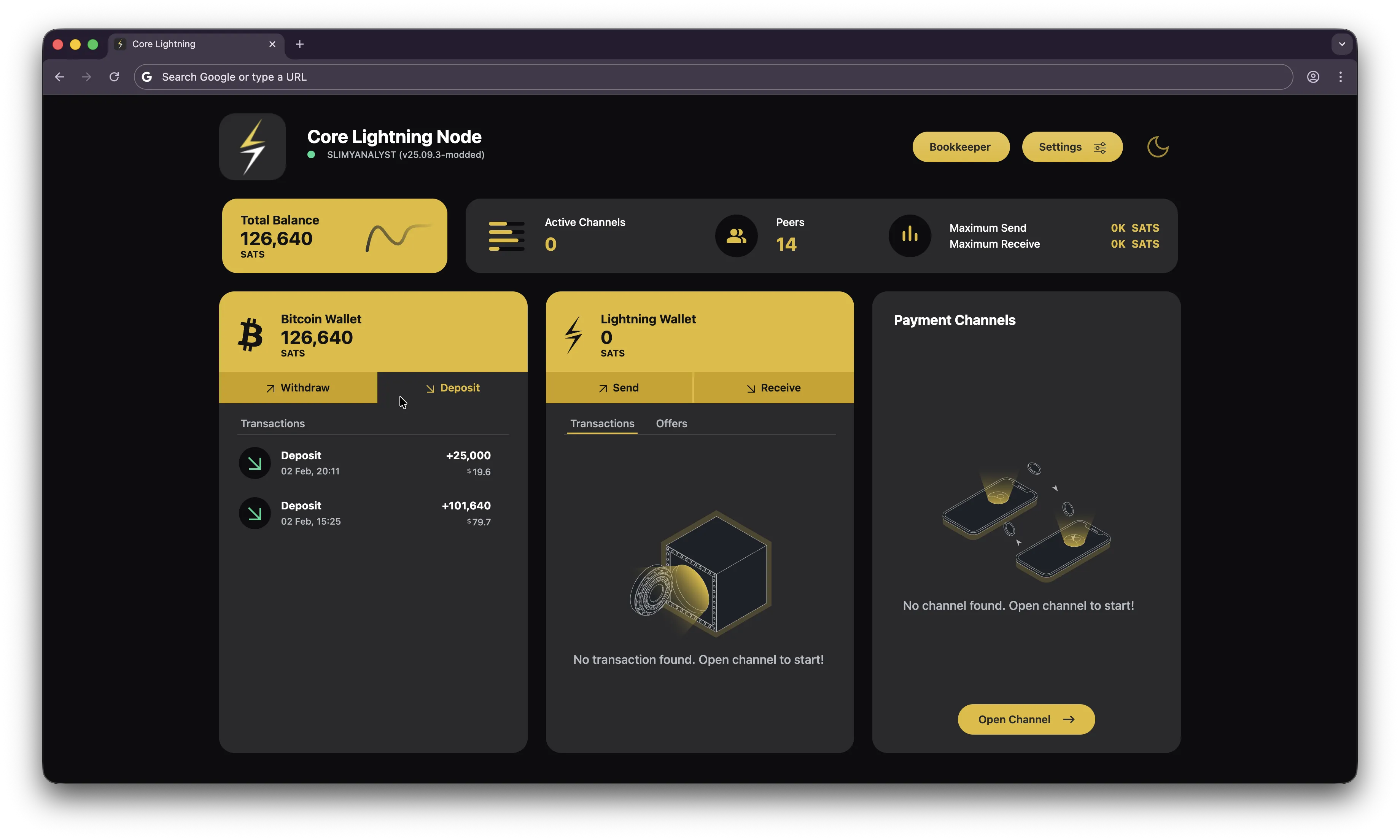
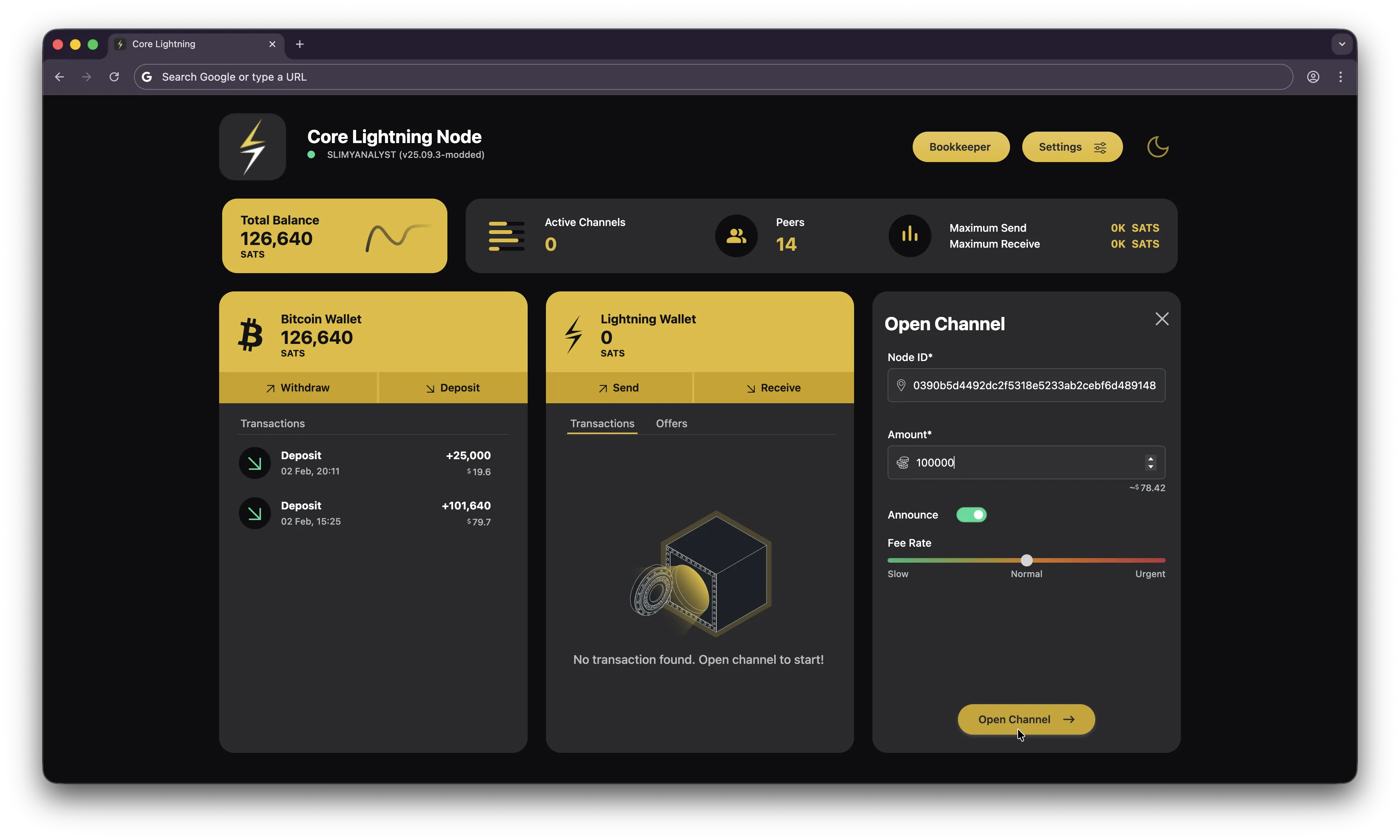
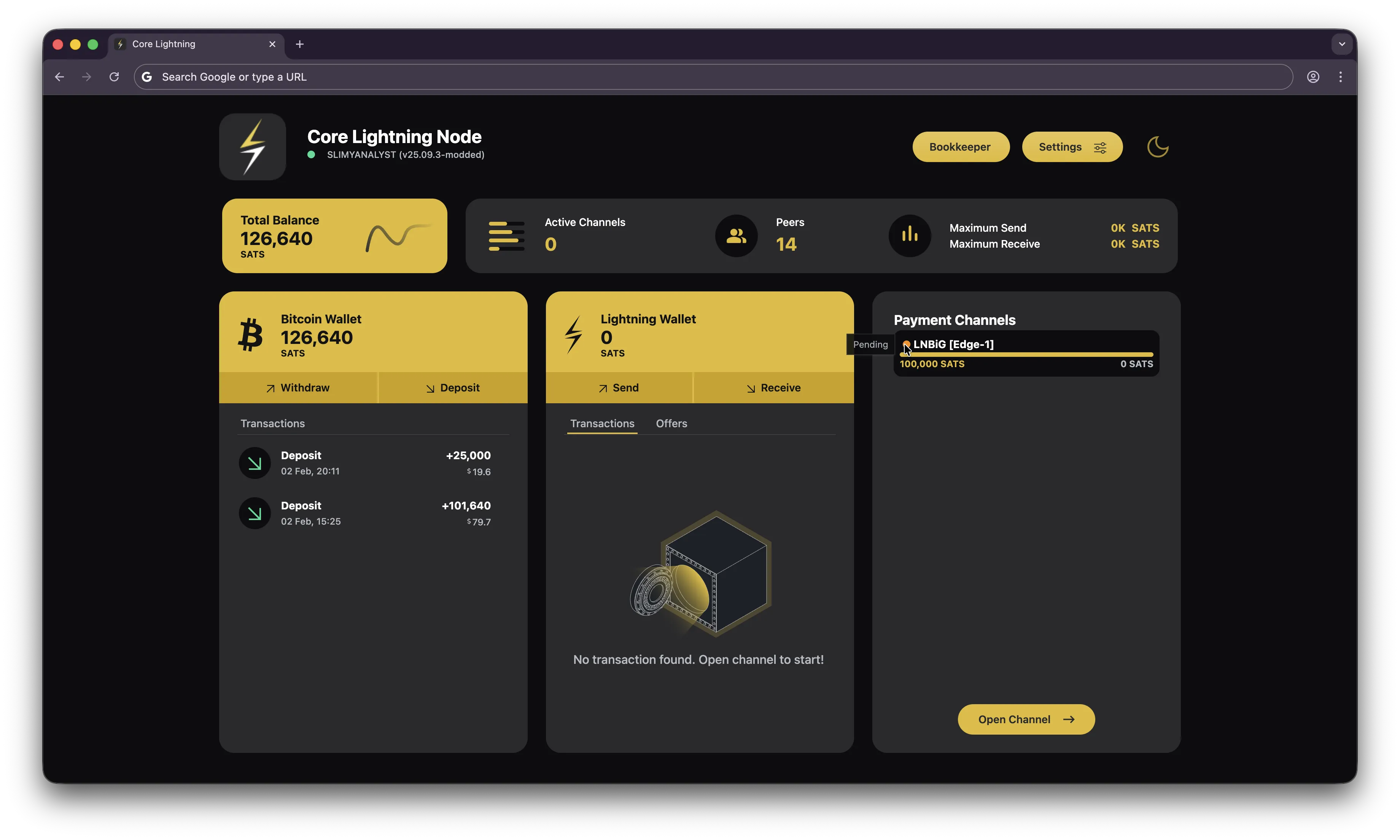
- Open a channel in Core Lightning with the allocated 100000 sats. For this setup, I use
LNBiG [Edge-1]
to open a channel. Just copy the node id and paste it in the open channel window in Core Lightning.
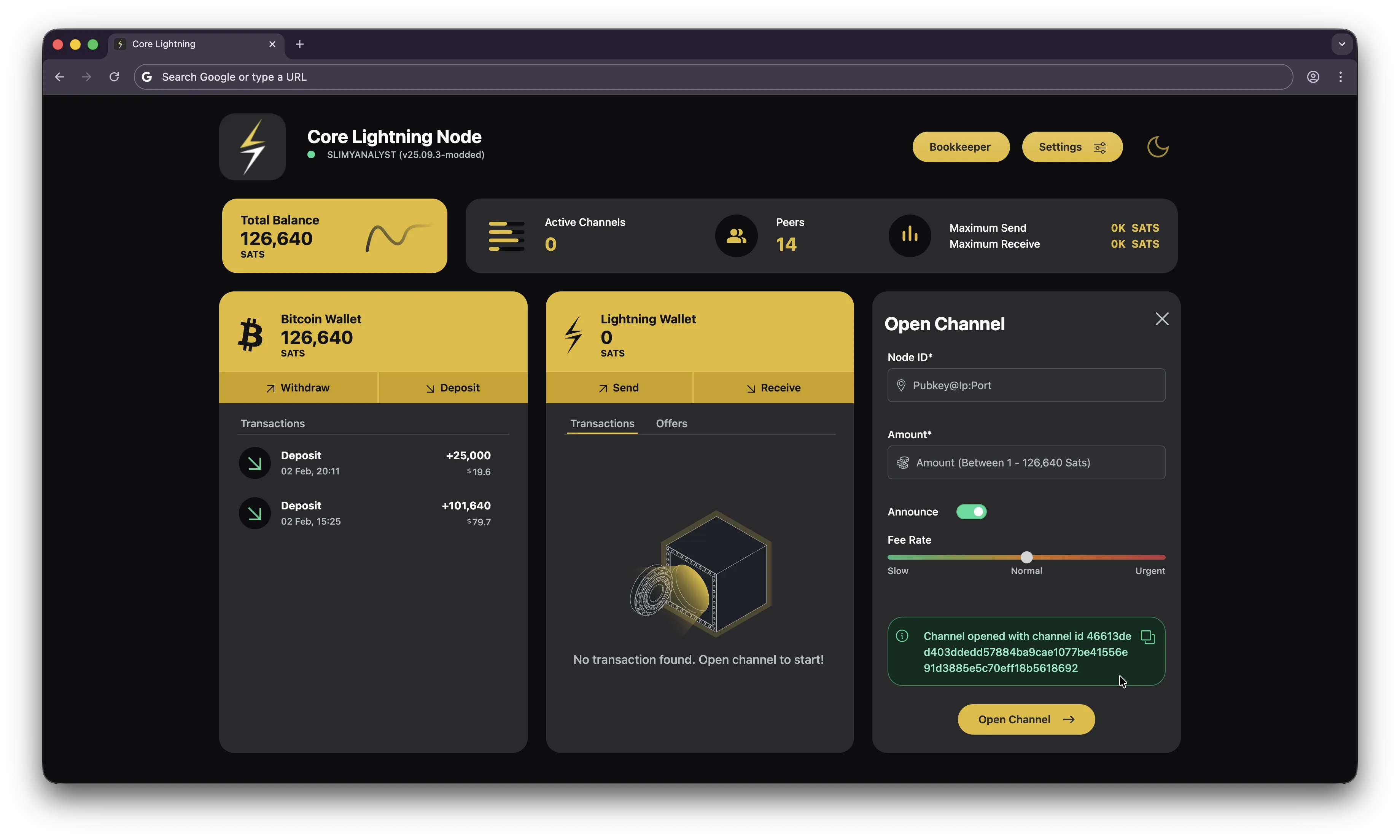
- Wait for the channel to be confirmed.
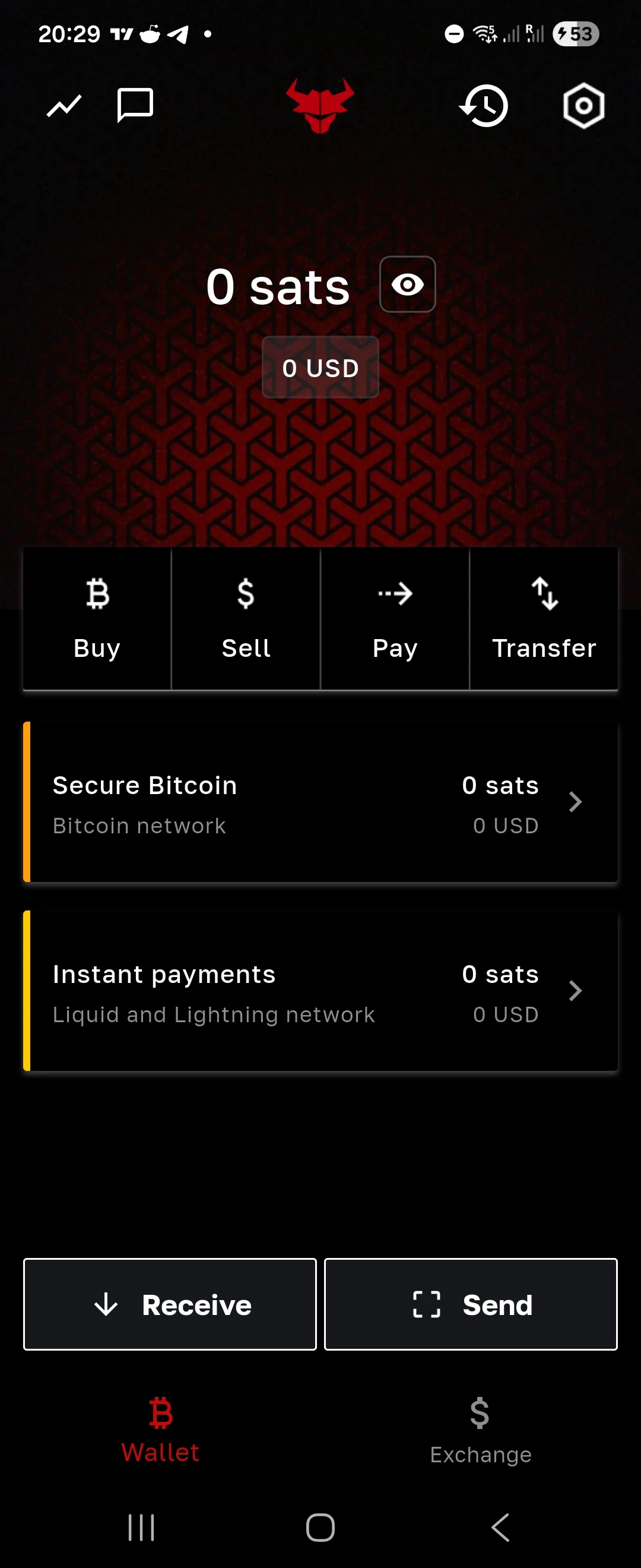
- Create your Bull Bitcoin wallet. Make sure to backup your wallet recovery phrase.
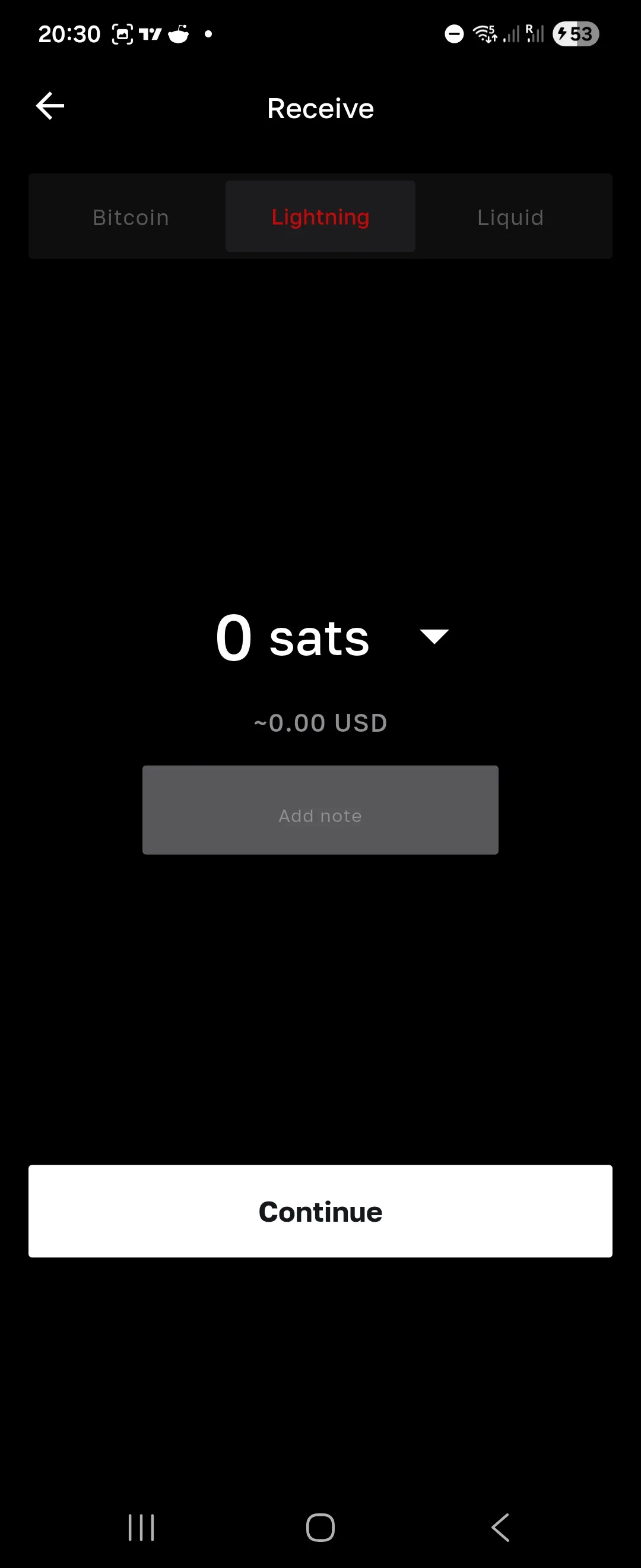
- In Bull Bitcoin, navigate to the "Receive" section and select "Lightning".
- Input the amount of sats you want to receive from your Core Lightning wallet. This will generate an invoice. Try
a small amount first if the
payment fails.
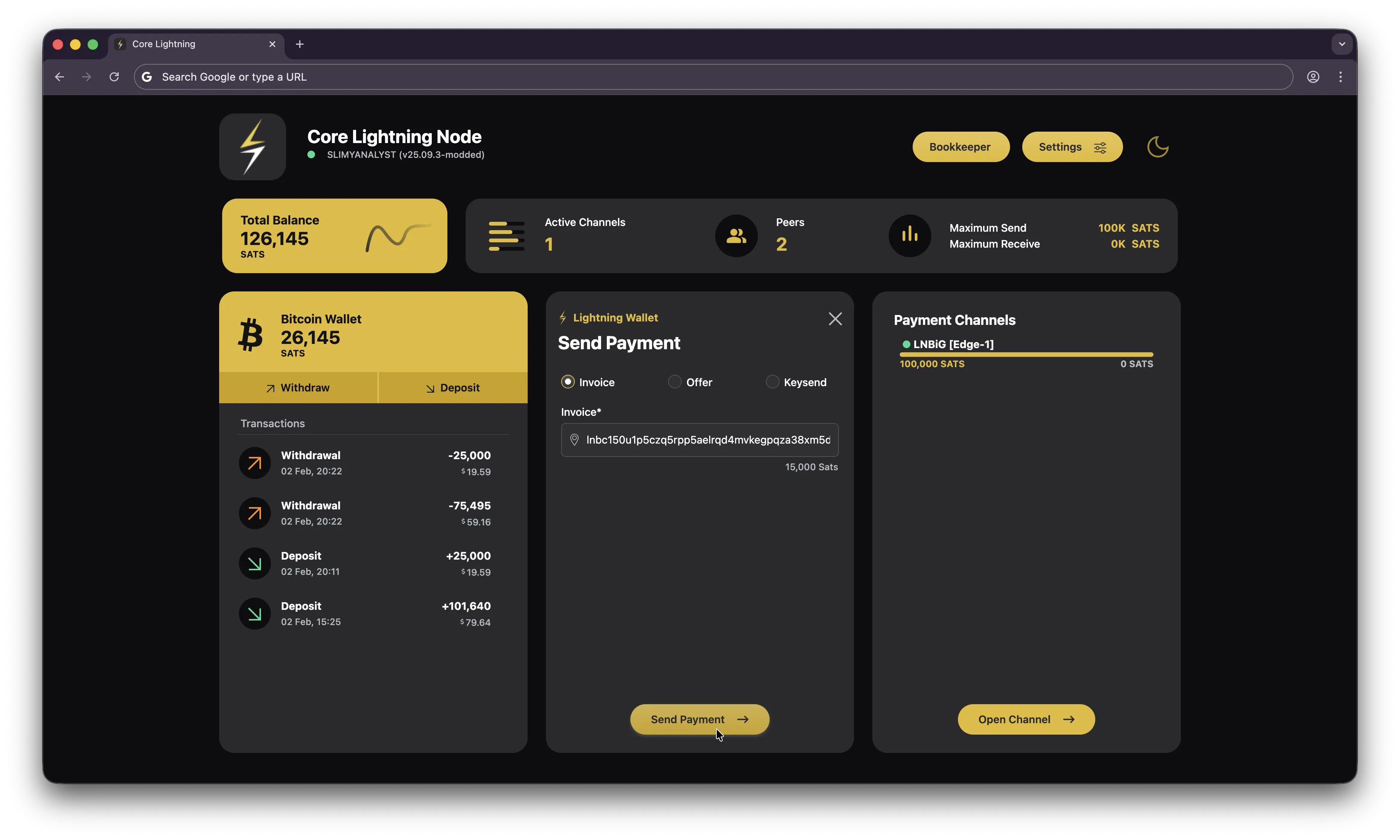
- In Core Lightning, navigate to the "Send" section and input the invoice generated from Bull Bitcoin.
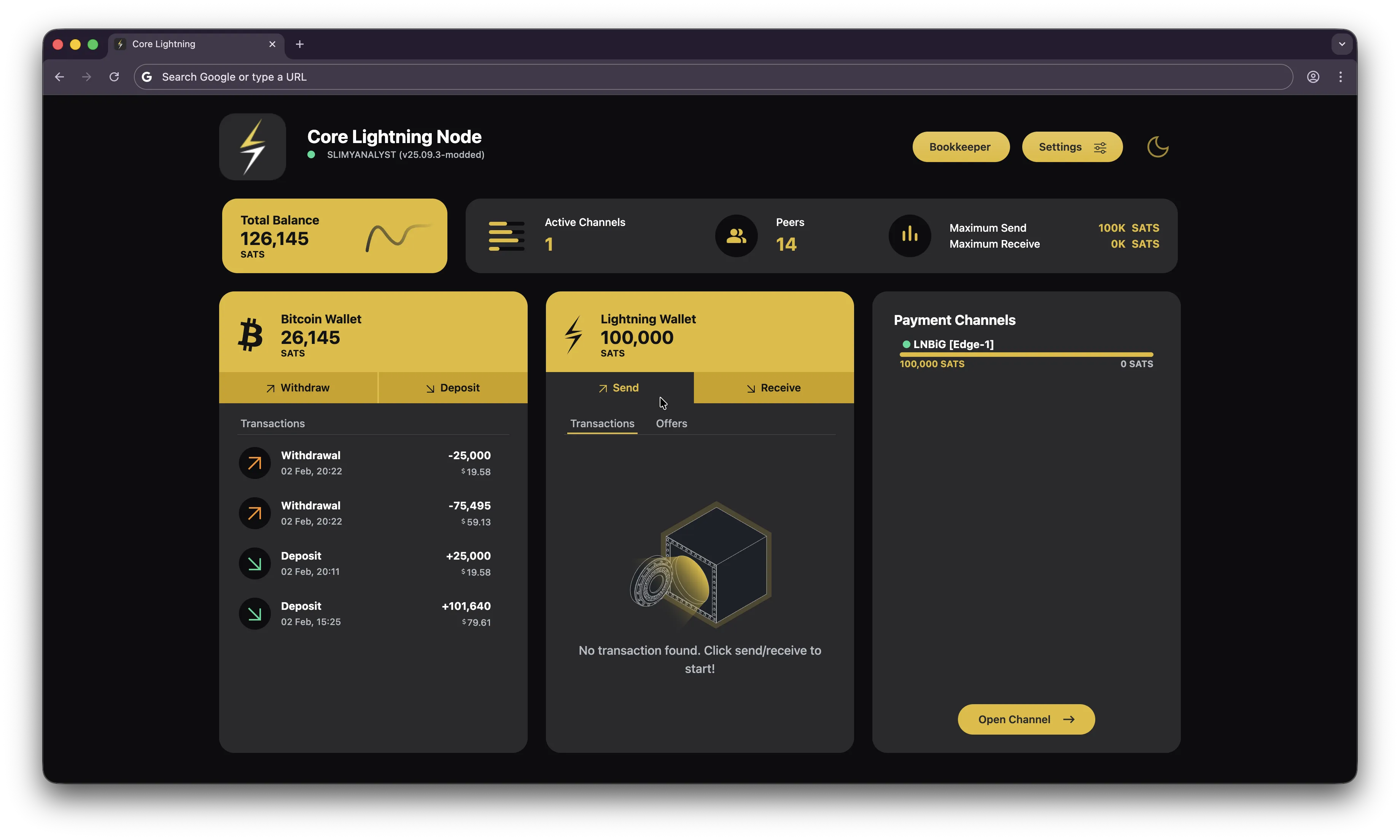
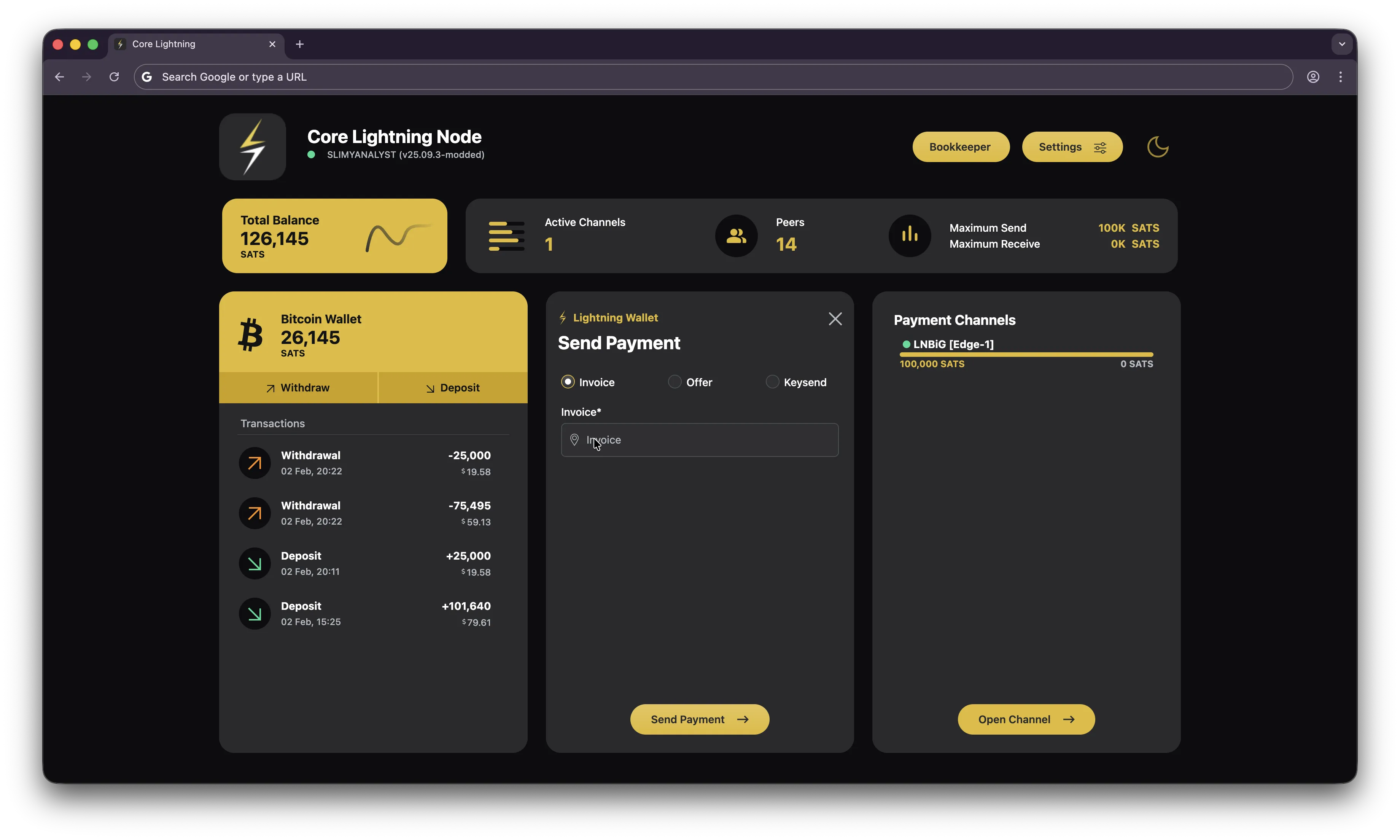
- Send and wait for the payment to be confirmed.
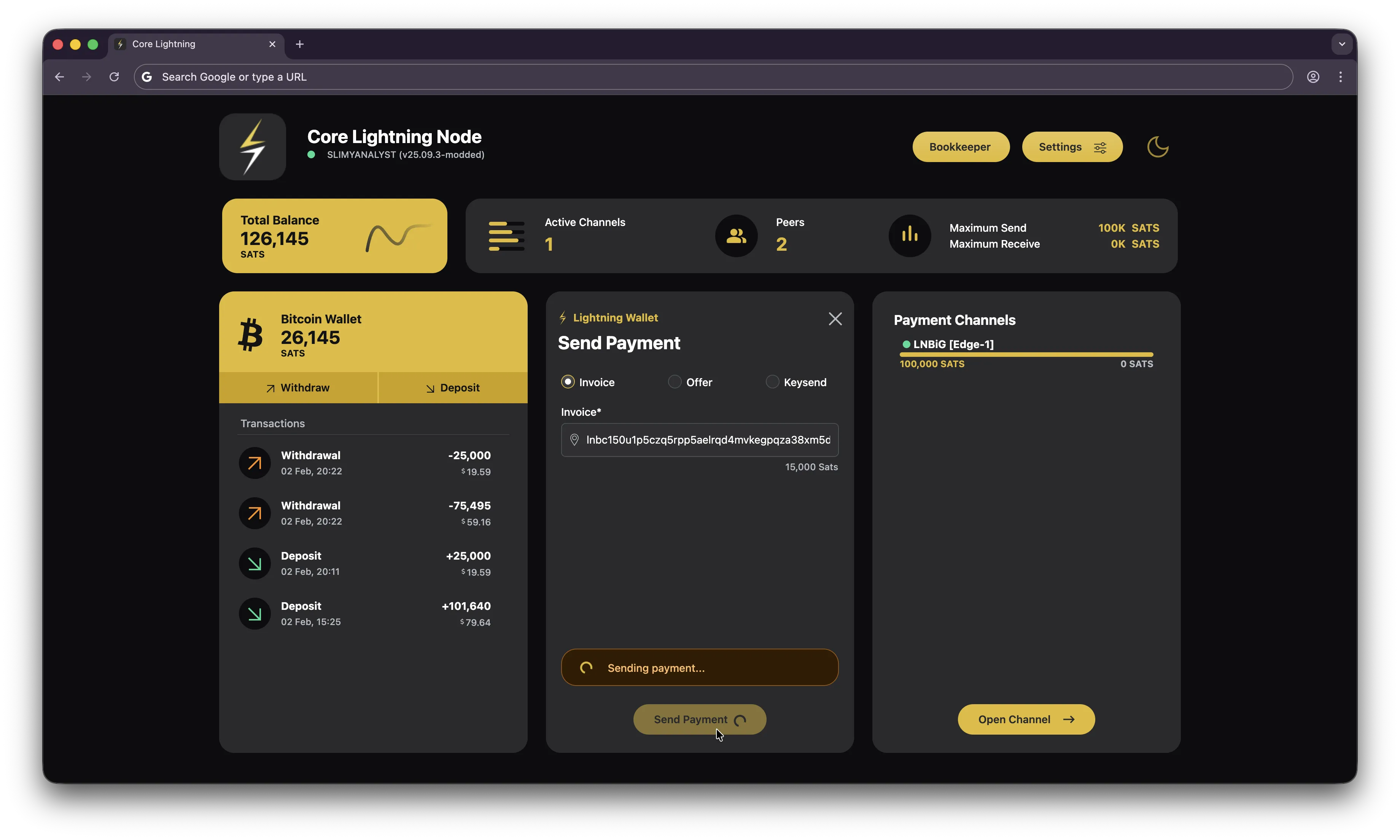
- You should now see the payment in your Bull Bitcoin wallet.
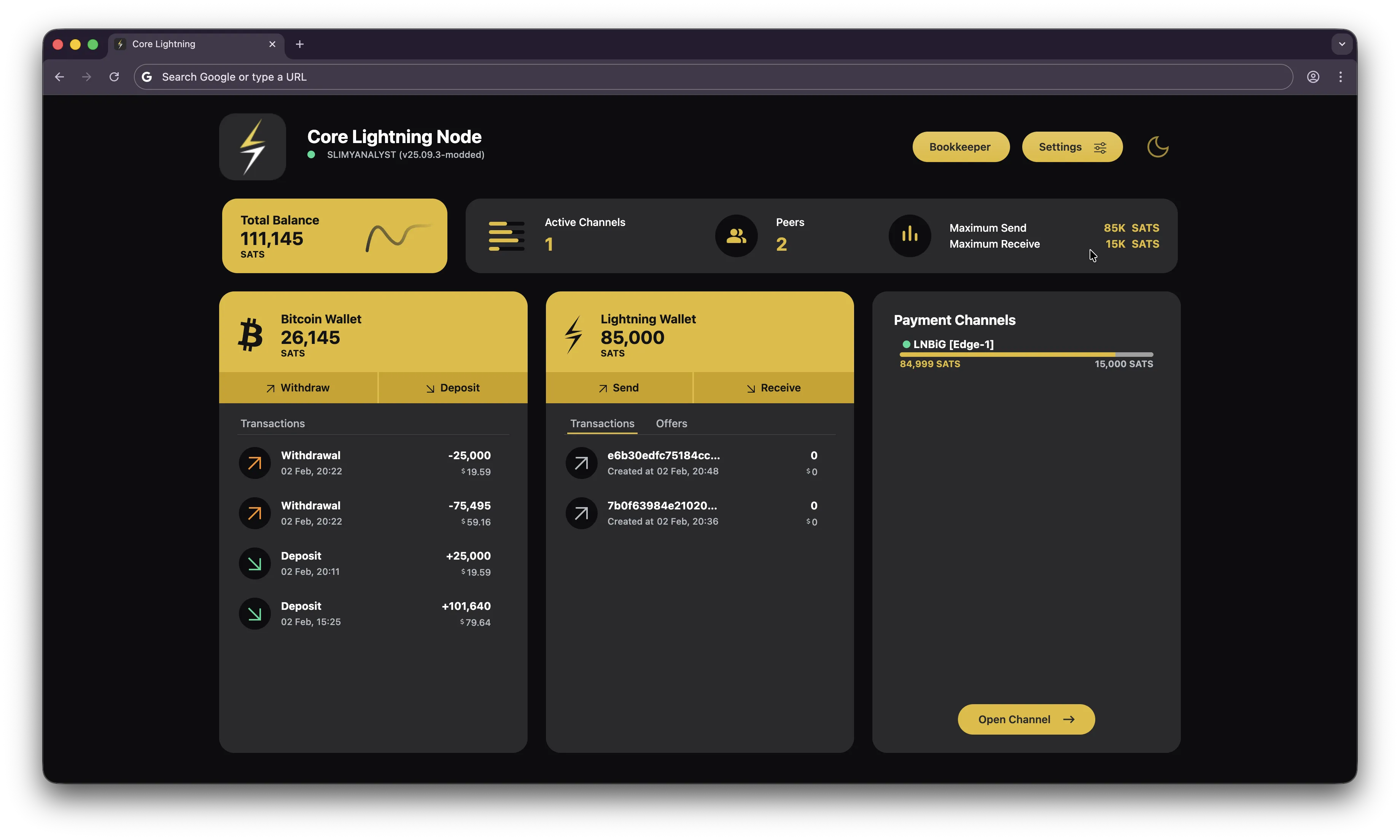
- You are now ready to receive BOLT12 offers in Core Lightning for payouts with Ocean.
- Follow the instructions in https://ocean.xyz/docs/lightning to
configure your Bitcoin address to receive lightning payouts.
- Navigate to your Bitcoin address configuration in Ocean https://ocean.xyz/config/bc1qyourwalletaddress
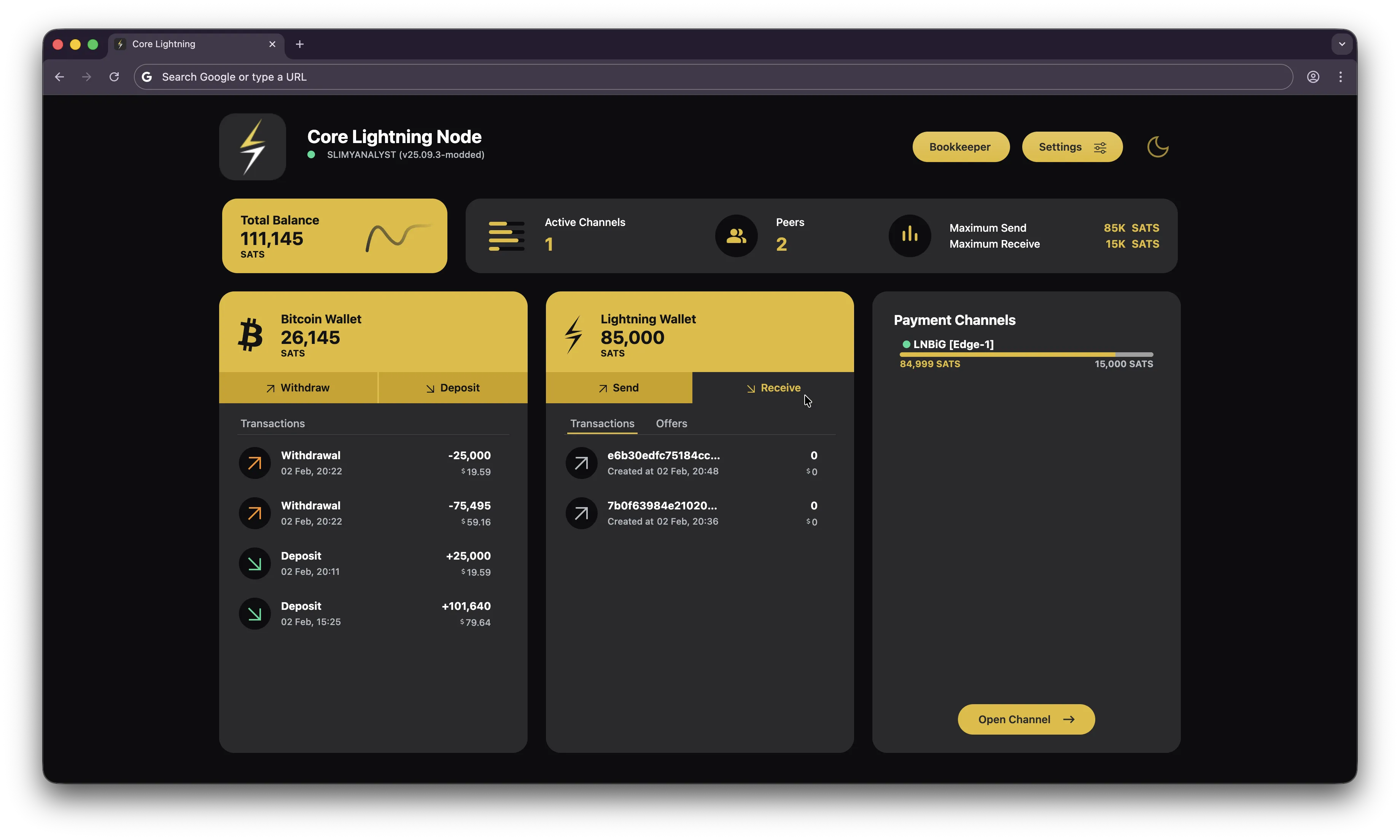
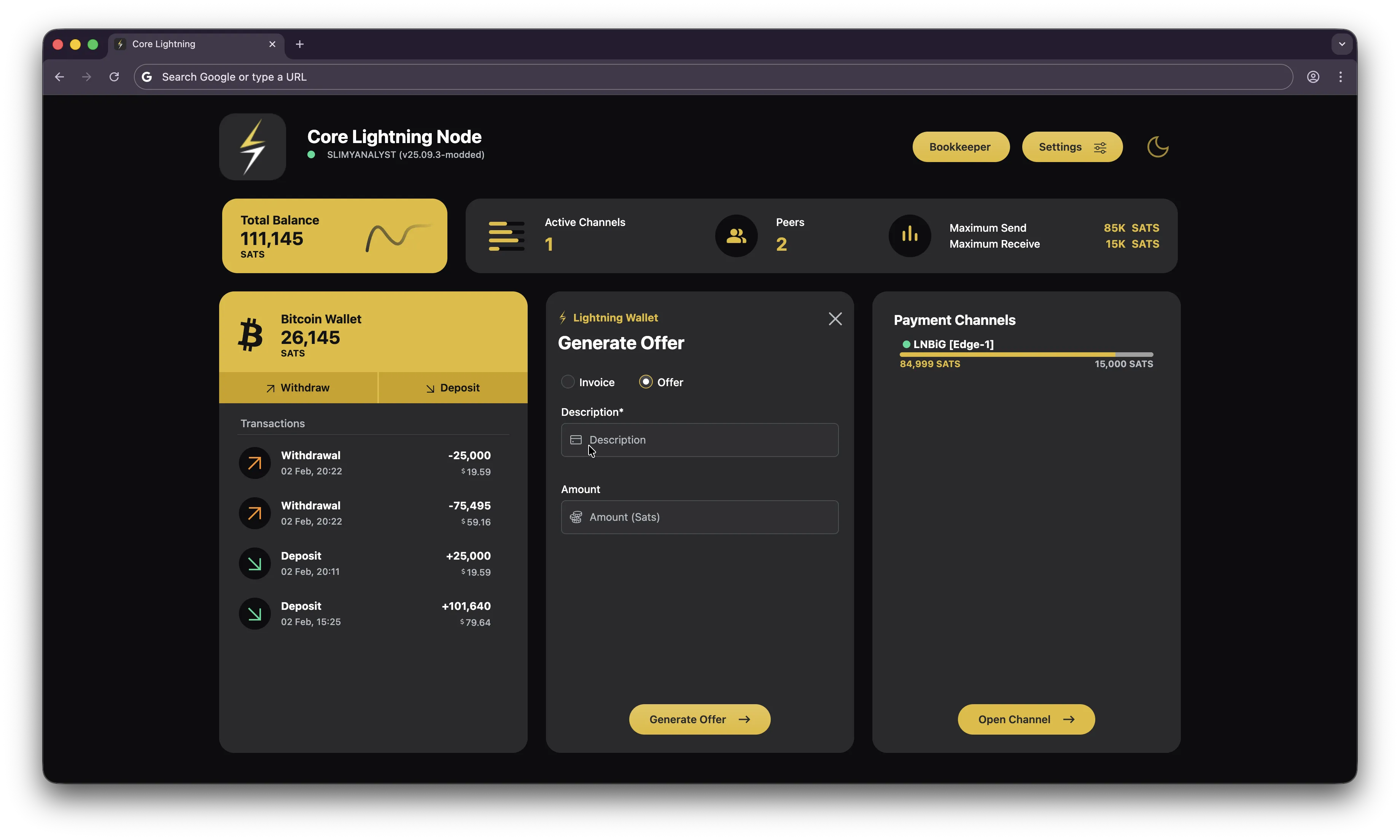
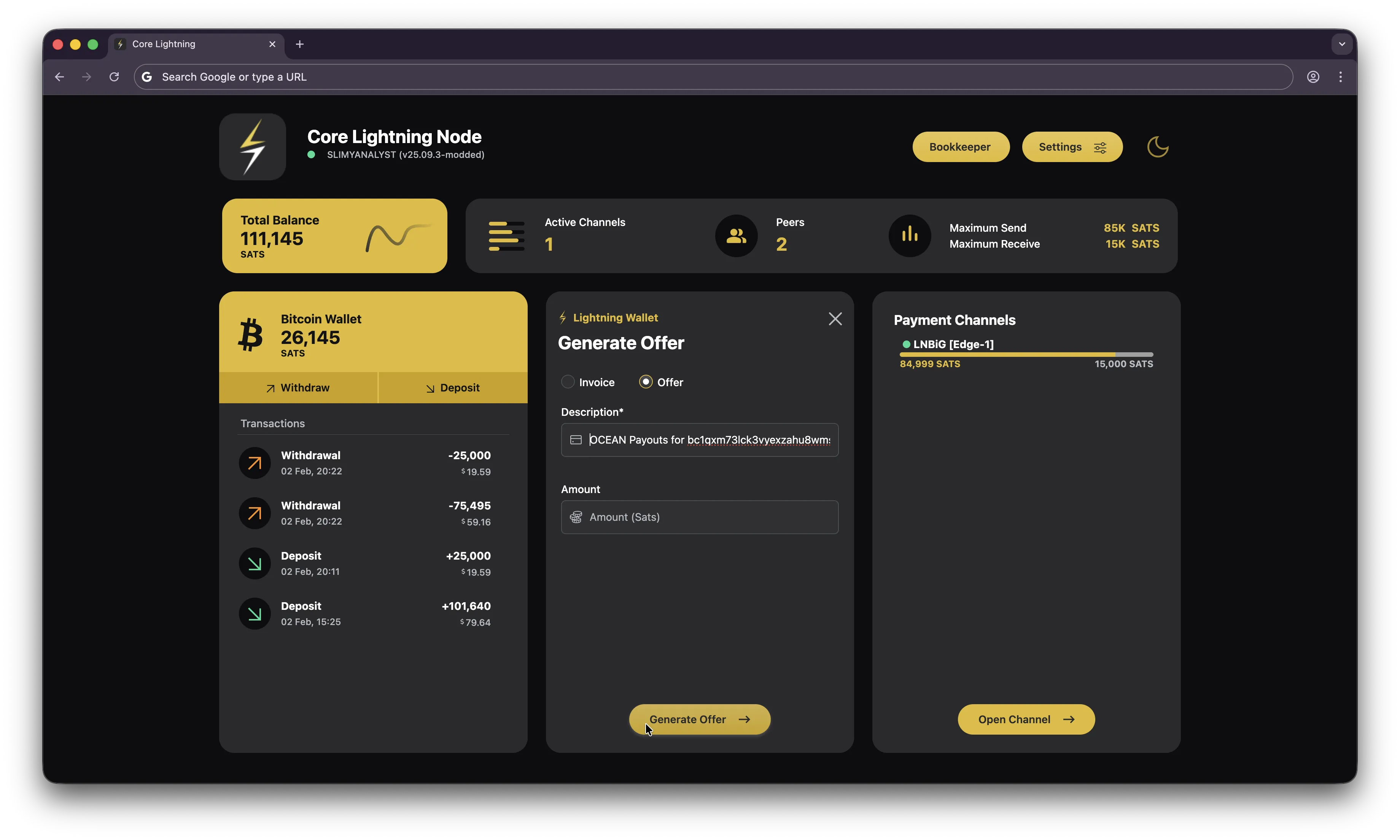
- In Core Lightning, navigate to the "Receive" section and input the Lightning BOLT12 offer generated in Ocean
for
your Bitcoin
address.
- Wait for the next couple of blocks found and you should see the payout in your Core Lightning wallet.